 PATS
Get started with PATS in 3 minutes
Getting started takes 3 steps: open vincent1021210.github.io in a browser, sign up with Google or email, then add a contact and start chatting. No app download and no phone number needed.
Note: the PATS app interface is in Traditional Chinese. The Chinese button labels are shown in brackets below.
What you need
- A phone, tablet or computer with internet access
- An up-to-date Chrome, Edge, Safari or Firefox
- A Google account, or any email address that can receive mail
- An invite code from your administrator, if your school uses one
Steps
-
Open the PATS website
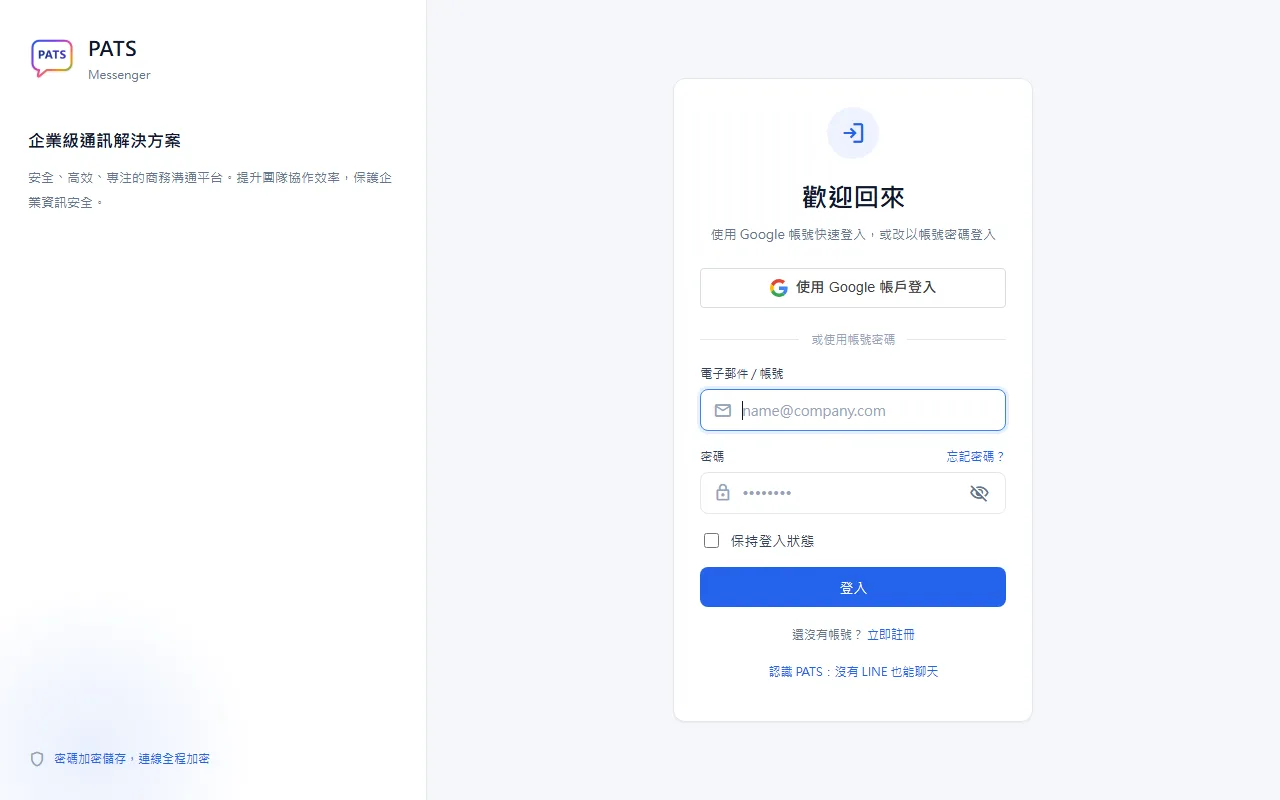
Open vincent1021210.github.io in a browser (Chrome, Edge, Safari or Firefox) on your phone, tablet or computer. Nothing to download.
-
Create an account
Choose “Sign up” (立即註冊) and use your Google account, or enter a display name, email and password (at least 8 characters), then type the 6-digit code sent to your inbox. Enter an invite code if your administrator requires one.
-
Add a contact and start chatting
After signing in, tap “New conversation” (發起新對話) to find someone, then send messages and photos or start a voice or video call. Add the site to your home screen to open it like an app.
Use it like an app on your phone
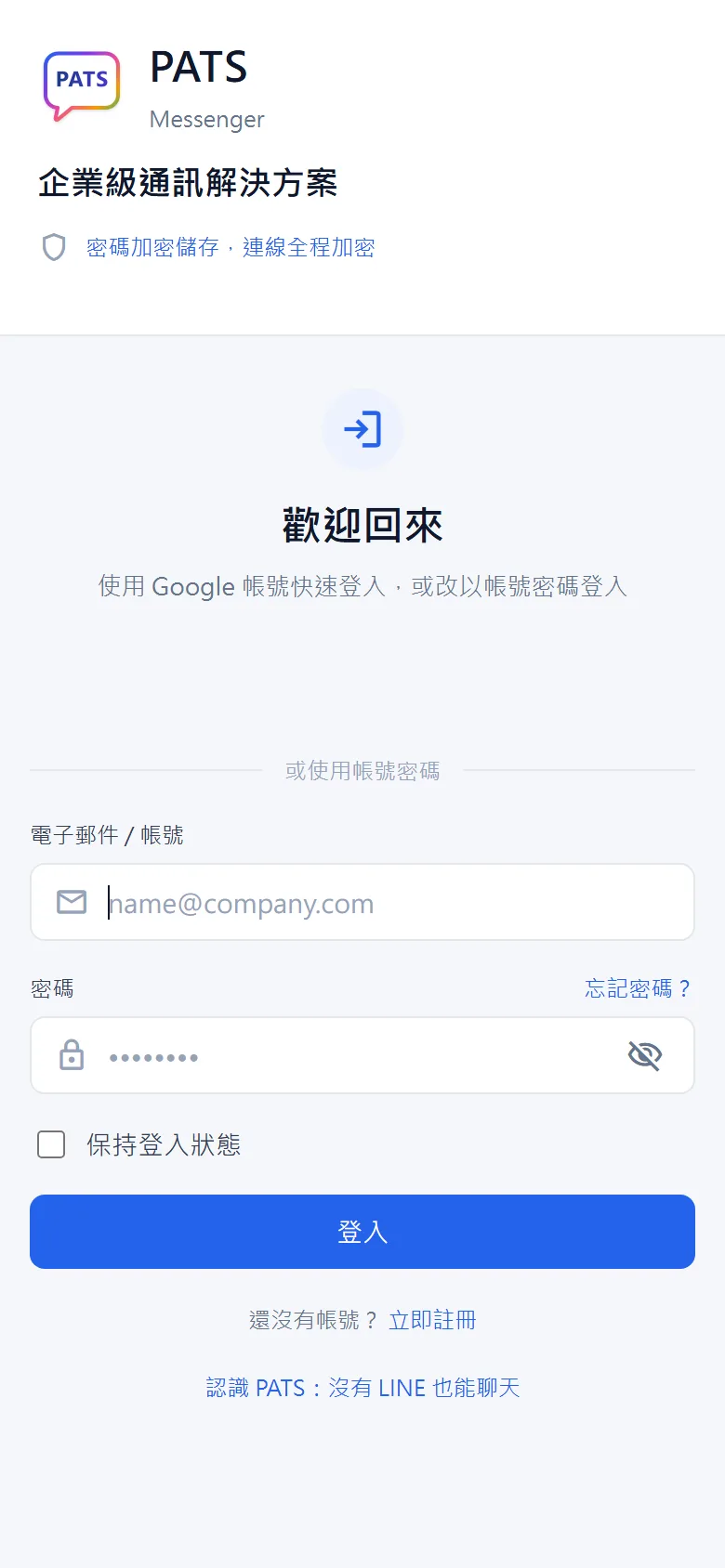
- iPhone (Safari): tap Share, then “Add to Home Screen”.
- Android (Chrome): tap “⋮” at the top right, then “Add to Home screen”.
What to do next
- Create a group to work on projects with classmates
- Send photos with the image button next to the message box
- Start a voice or video call from the phone or camera icon at the top of a chat
- Invite family or friends: send them the address and ask them to sign up with Google
Troubleshooting
- No verification code? Check your spam folder, or sign in with Google instead.
- No sound or video in calls? Allow microphone and camera access in your browser.
- Something looks wrong? Refresh the page; the latest version loads automatically.
Read next: No LINE? 5 ways to keep in touch, PATS FAQ